
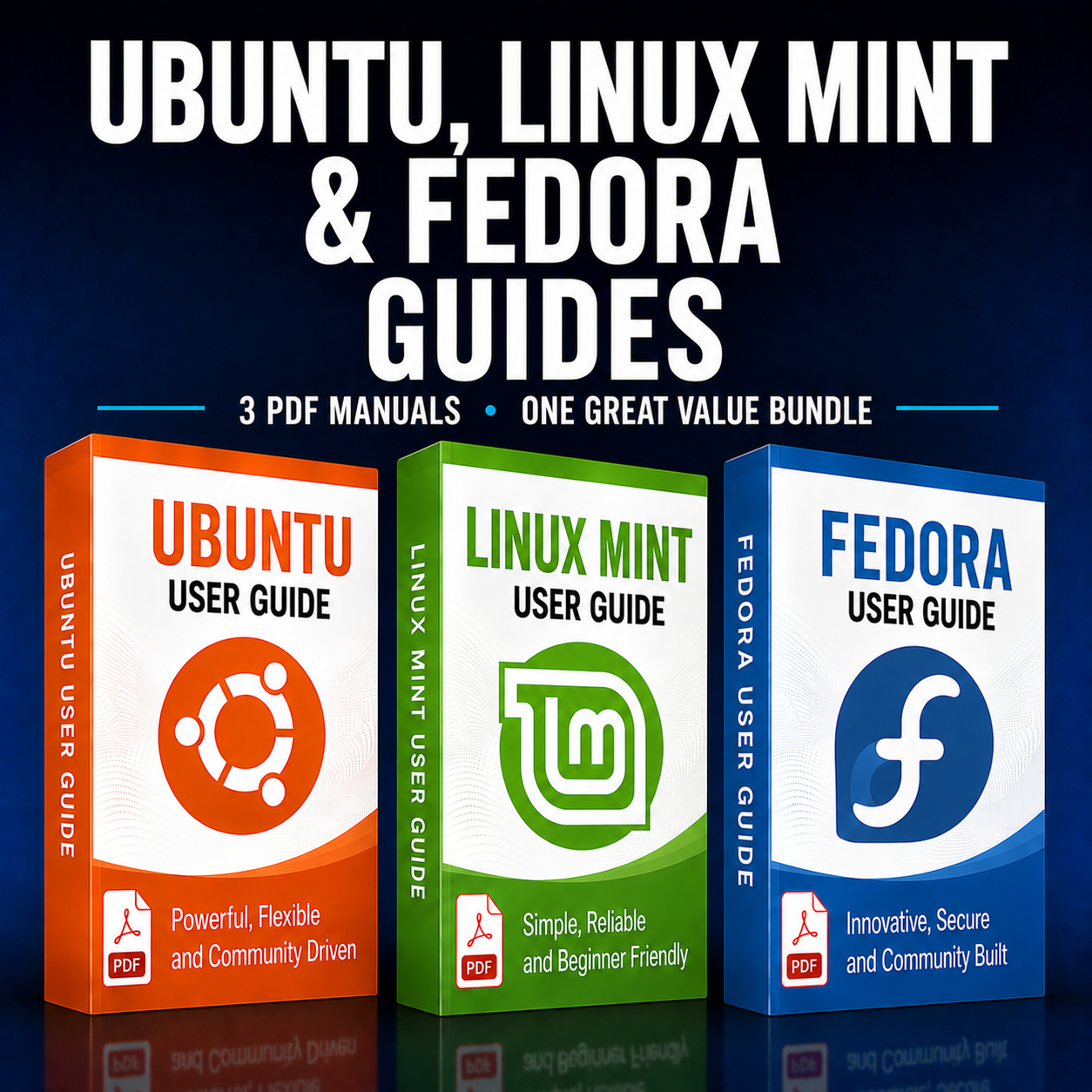
BUNDLE Ubuntu, Linux Mint and Fedora Manuals
Three distro manuals together in one convenient PDF bundle
- Ubuntu guide
- Linux Mint guide
- Fedora guide
Secure checkout is handled by TheLinuxShop.co.uk. Your order link is set to display the checkout in US dollars.
What this guide covers
Discover a bundled set of PDF Linux manuals designed to help you get the most out of Ubuntu, Linux Mint and Fedora, from first install through everyday use and system administration. This bundle is created to accompany the Linux Multi OS USB products, giving you clear, step‑by‑step guidance for each included distribution at a significantly discounted price.
Each guide walks through installing the OS, configuring hardware, managing software, and navigating the desktop environment, with practical examples and screenshots to make everything easier to follow. Whether you are setting up a fresh system, fine‑tuning an existing install, or exploring new features, these manuals provide a structured, user‑friendly reference you can keep open while you work.
The Ubuntu PDF manual focuses on the standard Ubuntu desktop, package management, system updates, user accounts, and everyday tasks such as web browsing, office work, and multimedia. It is ideal if you are using the main Ubuntu flavour from a Multi OS USB and want a complete beginner‑to‑intermediate reference at hand.
The Linux Mint PDF manual covers the Mint desktop (Cinnamon and other editions), update management, Mint tools, software installation, and system customization. It is especially useful for users who want a familiar, user‑friendly desktop experience with powerful control over themeing, panels, and built‑in utilities included on the Multi OS USB.
The Fedora PDF manual guides you through installing and configuring Fedora, using its package management tools, working with GNOME and other desktops, managing repositories, and staying up‑to‑date with its fast‑moving release cycle. It is perfect for users who want to explore a cutting‑edge distribution while still having a clear, well‑structured handbook to move from installation to daily operation confidently.
Buying these manuals together in this bundle is the most cost‑effective way to get all three, working out at less than £5 per guide. They are an excellent companion to the Linux Multi OS products, but also a great option if you simply want high‑quality PDF Linux manuals at a cheap bundle price to build your personal reference library.